
Hybrid events—where physical and virtual audiences meet in one experience—can amplify reach or implode under complexity. The difference is never luck; it’s operational choreography.
While pure virtual events are software problems and pure in-person events are logistics problems, hybrid is both. You’re managing two audiences, two feedback loops, and one timeline. The goal is not symmetry—it’s coherence. Here’s how to run hybrid events that feel unified, not duplicated.
1. The unspoken rule: design for the remote attendee first
In hybrid, the camera feed is the stage.
If your AV setup treats streaming as an afterthought, you’ve already lost half your audience.
Ask these three pre-production questions:
- Can remote viewers see and hear everything that matters?
– Mic every speaker individually; never rely on room ambience. - Can they participate at parity?
– Equal access to chat, Q&A, polls, and breakout prompts. - Who owns the remote experience minute-to-minute?
– Assign a remote producer, not an intern watching Zoom chat.
👉 Rule of thumb: Physical attendees can adapt to tech friction. Virtual attendees cannot.
2. The AV triangle: capture, connect, control
Every hybrid event relies on a 3-point AV stack:
| Function | Tooling | Owner | Key Risk |
|---|---|---|---|
| Capture | Cameras, mics, switcher | AV lead | Latency & sync drift |
| Connect | Streaming platform, encoders | Tech producer | Bitrate drops, permissions |
| Control | Slides, timers, overlays | Show caller | Missed cues, content mismatch |
To reduce chaos:
- Always have redundant audio paths (lavalier + handheld backup).
- Feed the stream mix from the switcher, not room speakers.
- Run a 15-minute dry loop (video + slides + music) before start to confirm stability.
- Give remote moderators IFB-style comms (e.g., Slack channel or intercom) to signal issues silently.
Hybrid chaos doesn’t come from tech failing—it comes from handoffs failing.
3. Run-of-show: choreograph both timelines
A good run-of-show (ROS) reads like sheet music. Every second has an owner.
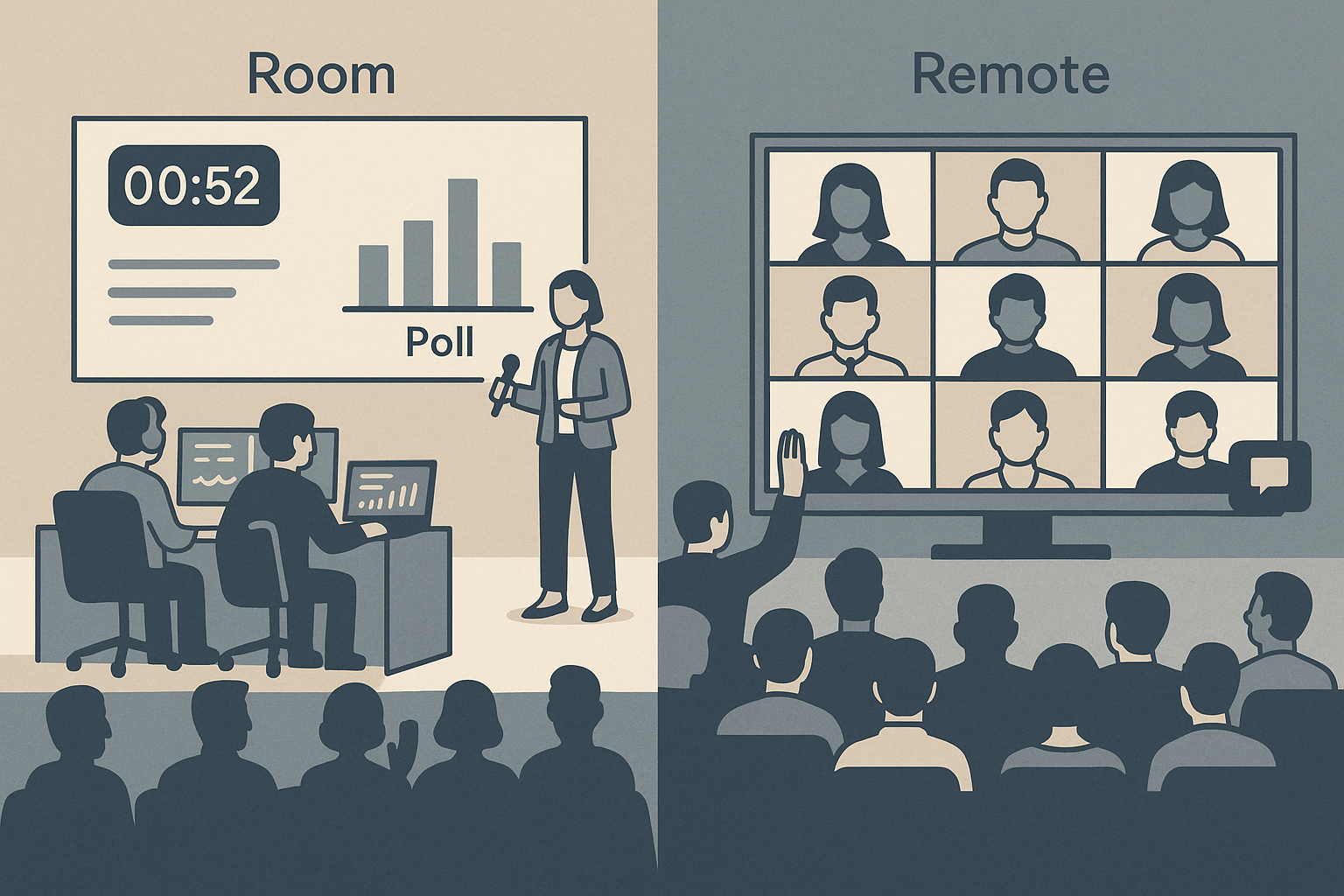
In hybrid, you need two synchronized columns—Room and Remote—with shared cues.
Example structure (excerpt):
| Time | Segment | Room Owner | Remote Owner | Notes |
|---|---|---|---|---|
| 0:00 | Countdown roll | Stage manager | Stream tech | 60-sec timer; upbeat music |
| 0:01 | Host welcome | MC | Remote MC | Camera 1 tight shot |
| 0:03 | Opening keynote | Speaker | Stream director | Slide sync via HDMI feed |
| 0:25 | Poll/Q&A | MC | Remote moderator | Merge chat + in-room Qs |
| 0:30 | Break | Floor ops | Virtual ops | Replay highlight reel |
Best practices:
- Color code cues (content, tech, engagement).
- Use shared clocks (e.g., time.is) for synchronization.
- Assign a “show caller” who controls pacing across both environments.
After 30 minutes, attention diverges—remote lags, room drifts.
Use the “reset every 25” rule: every 25 minutes, insert an interactive or emotional reset (poll, video bumper, on-stage shift).
4. Moderation is stagecraft
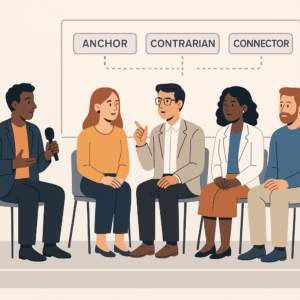
Moderators are not MCs—they’re translators between physical and digital energy.
Golden ratio for hybrid moderation:
- 40% logistics: timekeeping, cueing speakers, keeping mics circulating.
- 40% translation: restating audience questions for both channels.
- 20% humanity: tone, humor, warmth.
Moderation checklist:
- Always repeat in-room questions into the mic for stream viewers.
- Alternate Qs: remote → room → remote.
- Acknowledge names or locations of virtual attendees to humanize the feed.
- Keep eye contact with both camera and audience—train with sticky notes above lens.
Your moderator is the narrative glue. Without them, hybrid feels like two disconnected worlds.
5. Audience engagement that scales
Engagement parity is what keeps remote audiences from ghosting.
- Use live polls that aggregate both groups. Tools like Slido or Mentimeter can embed results on stage screens.
- For breakouts, mirror sessions with virtual rooms—match facilitators and brief them identically.
- Display social walls or live chat highlights on venue screens to loop virtual energy back into the room.
- Reward hybrid participation: share QR links for bonus content or giveaways accessible to both groups.
The best hybrid events make digital participants feel present, not peripheral.
6. Contingency planning (the reality buffer)
Hybrid = double failure vectors. Build buffers deliberately:
- Plan for tech dropout.
– Have pre-recorded “holding” content: a short branded loop or highlight reel if a stream fails. - Have a backup internet source.
– Mobile hotspot or bonded 4G. - Fail safe, not fail silent.
– If slides desync, keep the speaker visible. If the stream dies, announce recovery ETA. - Redundancy principle: One is none, two is one.
7. Post-event operations
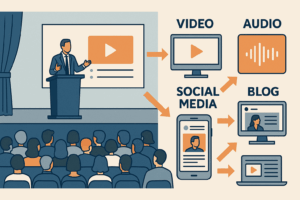
The hybrid advantage is dual content yield:
- High-fidelity recording = on-demand replay.
- Split edits for marketing clips, social reels, or internal training.
- Session analytics (join/drop, chat volume) = engagement intelligence.
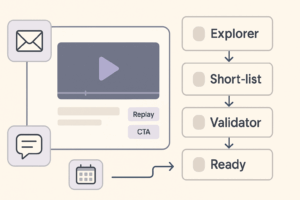
- Send “dual replays”: one cut for virtual viewers, one for in-room follow-up (different intros, different CTAs).
Hybrid done right isn’t harder—it’s higher ROI per asset.
8. Culture of calm
Finally, the invisible infrastructure: tone under stress.
Hybrid events reward teams that are calm, communicative, and over-documented.
- Use a shared Slack or intercom channel for silent backstage comms.
- Keep cue cards with three “if/then” failover scenarios per segment.
- Run a 30-min tech + talent sync the day before: every mic, every click, every slide.
- Celebrate micro-wins during show day—it keeps energy steady and visible.
When everyone knows what “normal” looks like, chaos has nowhere to hide.
Implementation checklist
- Map dual timelines (Room / Remote).
- Assign remote producer + show caller.
- Document AV stack and redundancies.
- Run cue-based rehearsal.
- Prep moderator with translation techniques.
- Align engagement tools (polls, Q&A, walls).
- Schedule contingency drills.
- Clip and repurpose recordings post-event.
Add comment